


USER MANUAL · Nº1
USER GUIDE
Turning On and Off:
Press and hold the only button (⏻) for 1.5 seconds to turn the product on or off.
When turned on, the first vibration pattern will be activated.
Changing Patterns:
Press the button once to switch to the next vibration pattern.
The product has 10 different patterns to explore. Once you reach the last one, it will return to the first.
Press and hold the only button (⏻) for 1.5 seconds to turn the product on or off.
When turned on, the first vibration pattern will be activated.
Changing Patterns:
Press the button once to switch to the next vibration pattern.
The product has 10 different patterns to explore. Once you reach the last one, it will return to the first.
.gif)
CLEANING INSTRUCTIONS

After Each Use
Wash the product with warm water and mild soap. Carefully clean all surfaces.

Drying
Dry the product with a clean cloth or soft towel. Avoid abrasive materials that could damage it.

Storage
Store the product in a cool, dry, and clean place. Avoid direct sunlight and extreme temperatures.
.gif)
.gif)
CHARGING INSTRUCTIONS
Connection
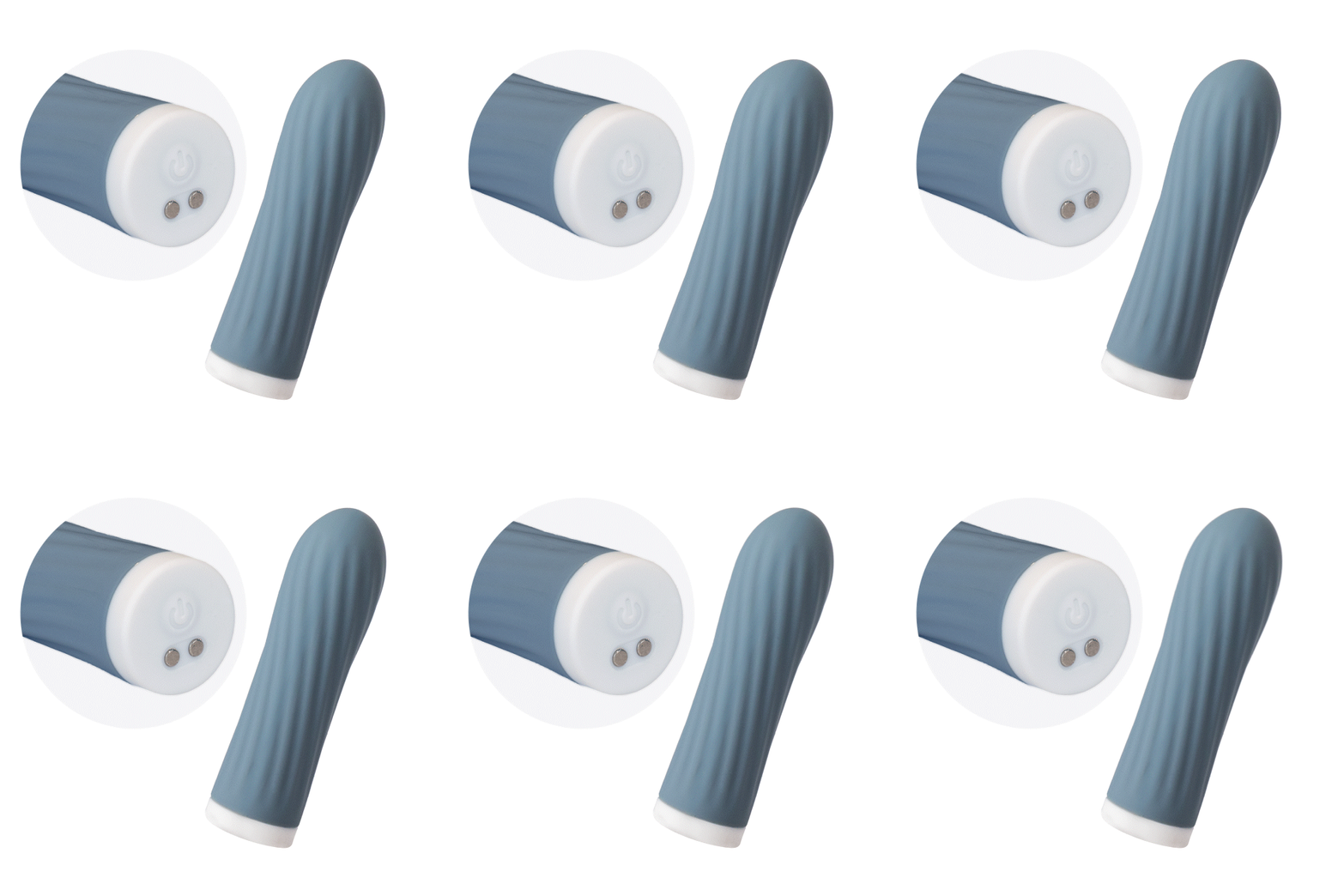
Make sure the magnetic pins on the charging cable are correctly aligned with the metal contacts on the product. Connect the USB end to a suitable power source (computer, wall charger, etc.).
Charging Indicator
The LED light will flash while the product is charging. When charging is complete, the LED light will stop flashing.
Recommendations
Fully charge the product before using it for the first time. Do not use the product while it is connected to a power source.
Make sure the magnetic pins on the charging cable are correctly aligned with the metal contacts on the product. Connect the USB end to a suitable power source (computer, wall charger, etc.).
Charging Indicator
The LED light will flash while the product is charging. When charging is complete, the LED light will stop flashing.
Recommendations
Fully charge the product before using it for the first time. Do not use the product while it is connected to a power source.
SAFETY INSTRUCTIONS
.jpg)
Use of Lubricant
Always use water-based lubricants to avoid damaging the material. Do not use silicone- or oil-based lubricants.
.jpg)
Stop Using the Product If...
You experience discomfort or irritation during use.
The product has sharp edges or has lost its smoothness.
The product has sharp edges or has lost its smoothness.
Safe Storage
Keep the product out of reach of children.
This product is intended for adult personal use only.
This product is intended for adult personal use only.

Pre-Use Inspection
Inspect the product before use to make sure there is no visible damage.